
AI Background Remover
Upload PNG, JPG, or WEBP photos, let our AI background remover pick out the subject and remove the backdrop, then save an HD cutout or change the background — all in three simple steps.
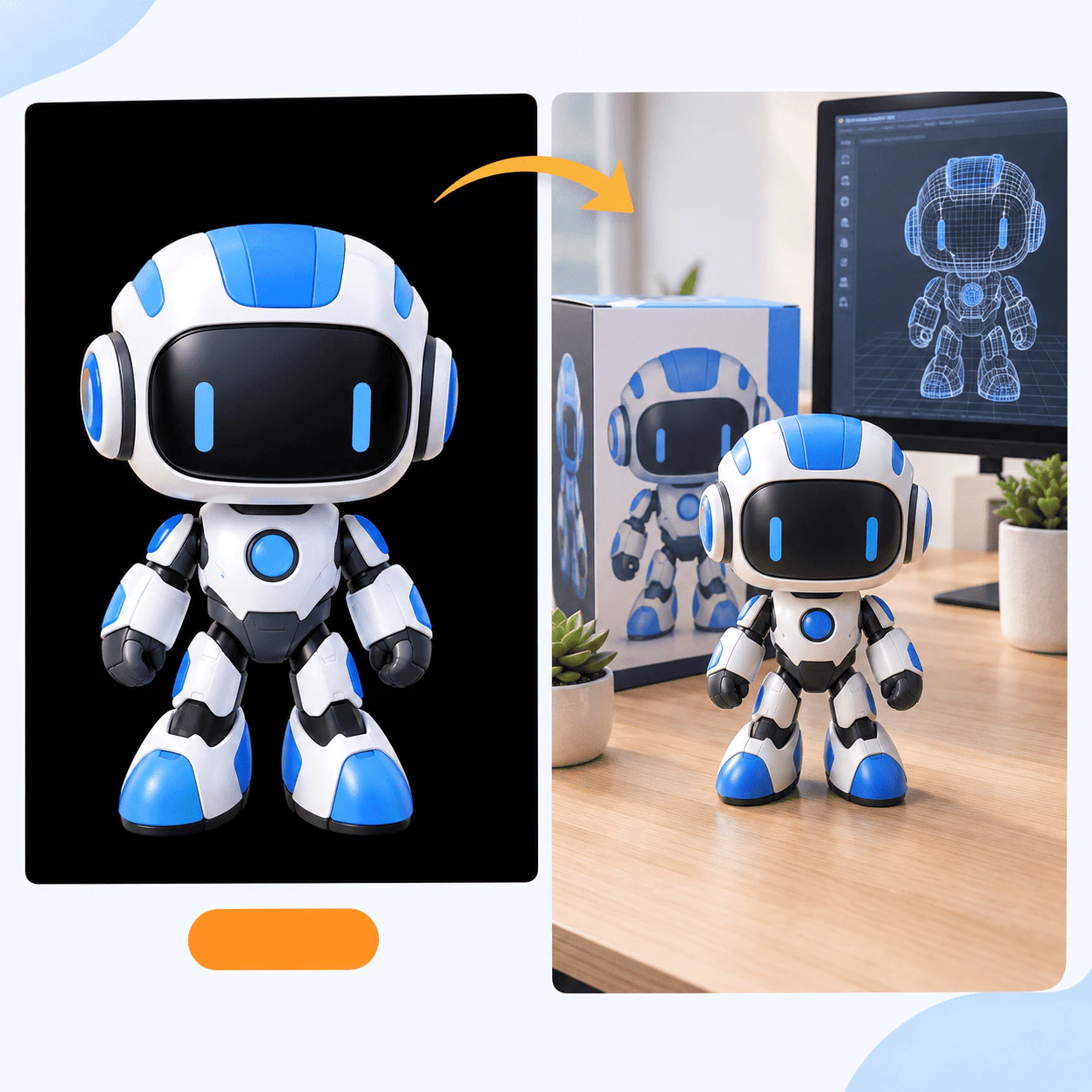
What Is AI Background Remover?
AI Background Remover helps you cut subjects out of photos and get transparent PNGs online. Upload a picture to the AI background remover, let it erase the backdrop, then save or swap the background — no heavy photo editor required.
- Upload Your ImageAdd a PNG, JPG, or WEBP file to the AI background remover. Clear, high-quality photos give you the smoothest edges and the best transparent results.
- AI Removes the BackgroundThe AI background remover finds the main subject, separates it from the scene, and builds a clean transparent background — even around hair, fur, and fine details.
- Edit or DownloadSwap in a new color or scene, blur what is behind the subject, fine-tune the cutout, or download an HD PNG from the AI background remover ready for shops, social posts, or design work.
Why Choose AI Background Remover
Here is why sellers, designers, and everyday users rely on this AI background remover for clean cutouts:

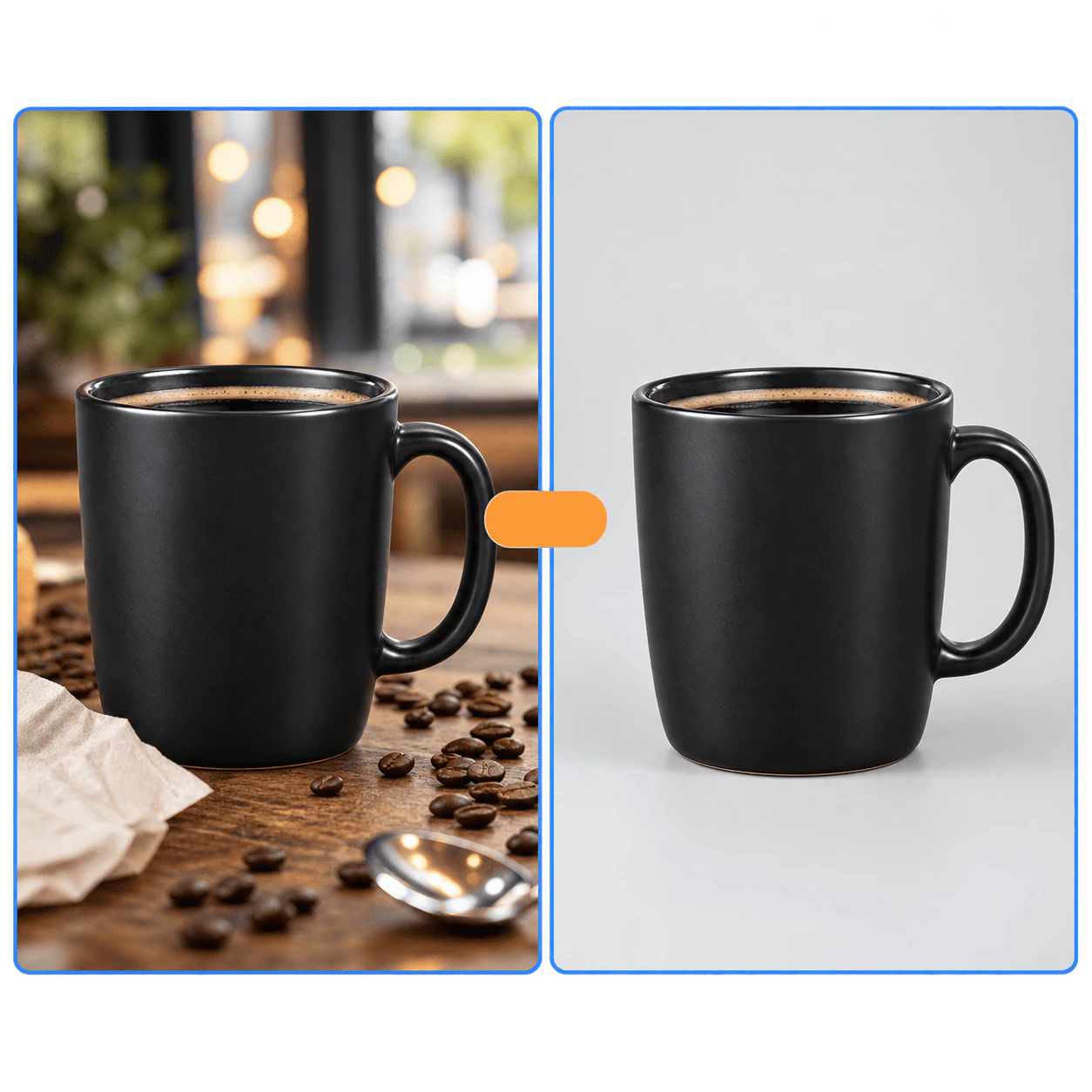
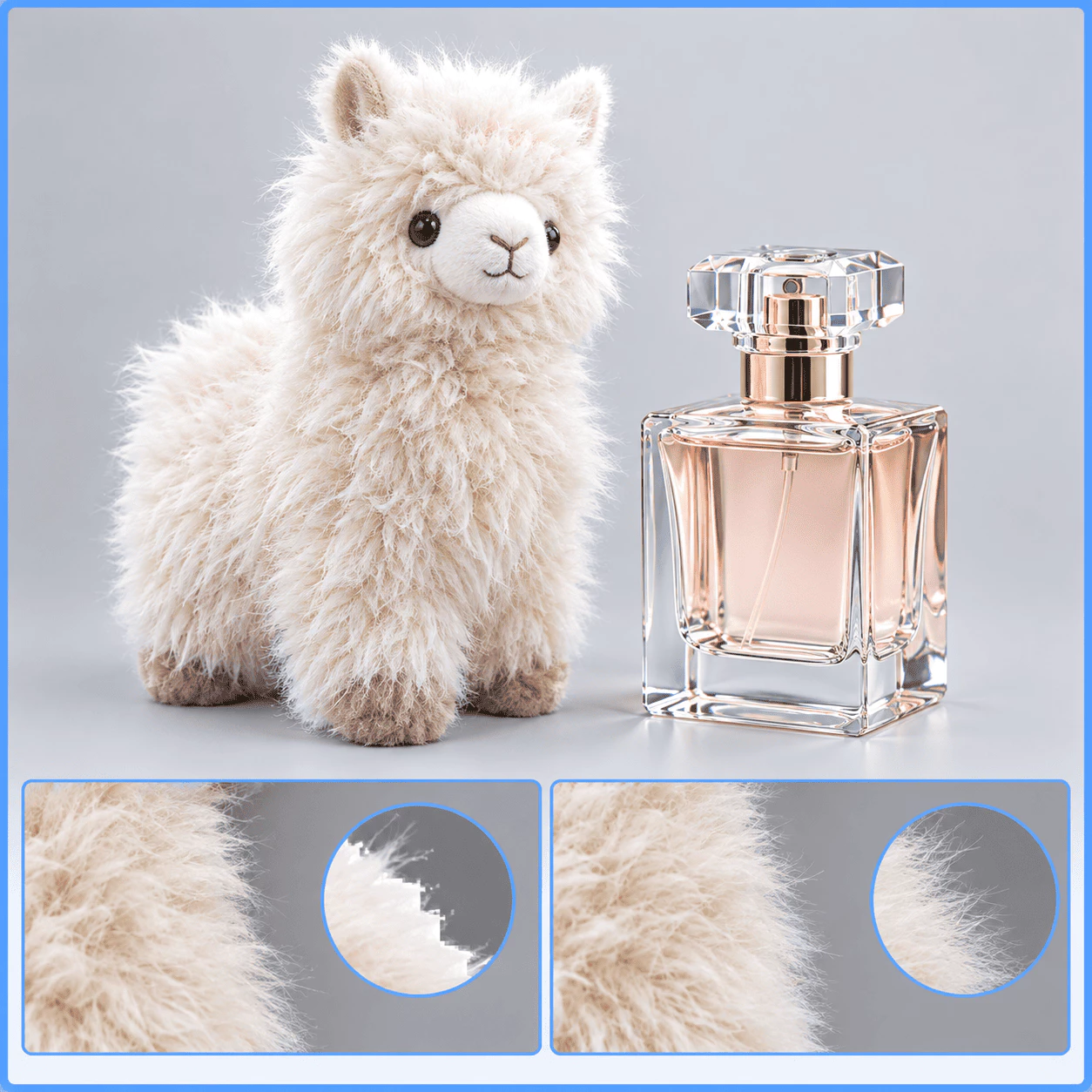
AI Background Remover Core Features
See what this AI background remover helps you do — from a busy photo to a clean, transparent cutout:
Ready for Any Project
Shops, ads, mockups, and social posts need clean visuals — one AI background remover covers them all. Drop cutouts on white, brand colors, or new scenes. Portraits, products, logos, and stickers share the same flow, ready to paste into your store or design file without extra masking.
High-Res Stays Clear
When the AI background remover clears the backdrop, texture and sharpness stay intact. Large uploads still look crisp for labels, fabric, and skin. You get studio-clean PNGs for web and print without trading speed for quality.
Cleaner Edges by Default
With this AI background remover, borders smooth during cutout, so edges look natural on new colors or photos — not harshly pasted. Less fringe cleanup elsewhere; more time placing subjects on white, gradients, or lifestyle scenes with silhouettes that hold up at normal size.
Handles Tricky Details
The AI background remover gives hair, fur, shadows, and thin edges extra care so the subject keeps its true shape. People, pets, and busy objects still look believable after the scene is gone — fewer manual masks, faster moves into the layout you planned.
Made for Work and Side Projects
Photographers, sellers, marketers, and hobbyists use this AI background remover to turn everyday photos into publish-ready assets. A phone shot can become a listing, slide, or social post without a studio. Isolation stays fast while you keep creative control.
Many File Types and Scenes
This AI background remover accepts JPG, PNG, or WEBP. Cluttered rooms, plain walls, and mixed light still separate into a reusable transparent PNG — consistent cutouts even when photos come from different phones or shoot days.
Remove a Background in 3 Steps
A quick walkthrough for your first transparent cutout with the AI background remover:
Upload Your Photo
Drop a PNG, JPG, or WEBP file into the AI background remover — product shots, portraits, or busy scenes all work. Drag, paste, or pick from your device in seconds.
Let AI Find the Subject
The AI background remover scans the image, locks onto the main subject, and strips away the backdrop. Hair, fur, and fine edges are handled with care.
Download or Change the Backdrop
Save a high-quality PNG from the AI background remover with a transparent background, or place your subject on a new color, blur, or scene until it looks right.
Built for Clean, Transparent Cutouts
AI Background Remover turns everyday photos into sharp PNGs — for shops, ads, profiles, stickers, and more.
Everyday Subjects
6+
People, cars, pets, products, logos, and sticker art — one tool covers the photos you edit most often.
Quick Results
Seconds
Upload, let AI erase the backdrop, and grab your cutout in moments instead of hours at a desk.
Trusted by Sellers
97%
Store owners, marketers, and creators use it to polish listings and posts they share every week.
Common Questions About AI Background Remover
Short answers about using the AI background remover online — still stuck? Contact us anytime.
What is AI Background Remover?
It is an online tool that isolates the main subject in your photo and delivers a transparent PNG you can reuse anywhere. You upload a picture, the AI locates the person, product, or object, and the original backdrop is removed automatically. The cutout can sit on pure white for catalogs, on a brand color for ads, or inside a new scene for social and presentation work. The goal is simple: one place to go from a busy photo to a clean asset without manual masking in a desktop editor, so everyday image tasks stay fast and predictable.
Why use this instead of manual editing?
Manual erasing eats hours when edges are hard — hair, fur, glass, or crowded backgrounds all slow you down. AI handles that separation in seconds so you can move on to listings, campaigns, and layout work instead of zooming in on every pixel. Results stay consistent whether you fix one headshot or work through an entire product set for a launch. Teams save retouch budget, solo sellers keep catalogs moving, and designers spend energy on composition rather than repetitive selection work, while still getting cutouts that look ready for real publishing.
How do I start?
Choose a PNG, JPG, or WEBP file from your device and upload it to begin. The AI runs while you watch the preview update with the subject separated from the scene. From there you can swap in a new background, blur what remains behind the subject, or download an HD PNG when the look matches what you need. The flow stays visual and direct — no layers palette or advanced retouching skills required — so first-time users and busy pros alike can finish a usable cutout in one sitting.
Who is it for?
Online sellers, photographers, marketers, designers, and everyday users who need profile photos, stickers, or catalog shots all benefit from the same workflow. If your week includes people, cars, pets, products, or logos on plain or custom backdrops, the tool matches how those jobs actually show up. E-commerce teams standardize white-background rules, creators prep social visuals, and small shops polish phone photos before they go live. Whenever clean isolation is a repeat task rather than a one-off experiment, keeping background removal in a simple online flow saves time across the whole routine.
What sets it apart?
It brings together sharp edges, workflows that scale when you have many files, and HD PNG downloads without watermarks on your exports. Processing is designed with privacy in mind so uploads are handled carefully while the model still reads fine detail like hair strands and soft shadows. You get outputs suitable for storefronts and client decks, not just quick previews. That balance — speed, quality, and sensible handling of your files — is what makes it practical for daily business use instead of only one-off experiments.
Can I change the background after removal?
Yes. Once the subject is isolated, you are not locked into a single look. Add a solid color, blur the area behind them for depth, or choose a new scene that fits the campaign. You can also keep the fully transparent PNG and move it into your preferred editor, presentation, or store theme where brand templates already live. That flexibility lets one removal step support many final layouts — marketplace white, seasonal banners, or layered design files — without starting the cutout again from scratch.